How to fix stuttering video on your TV in minutes: expert tips
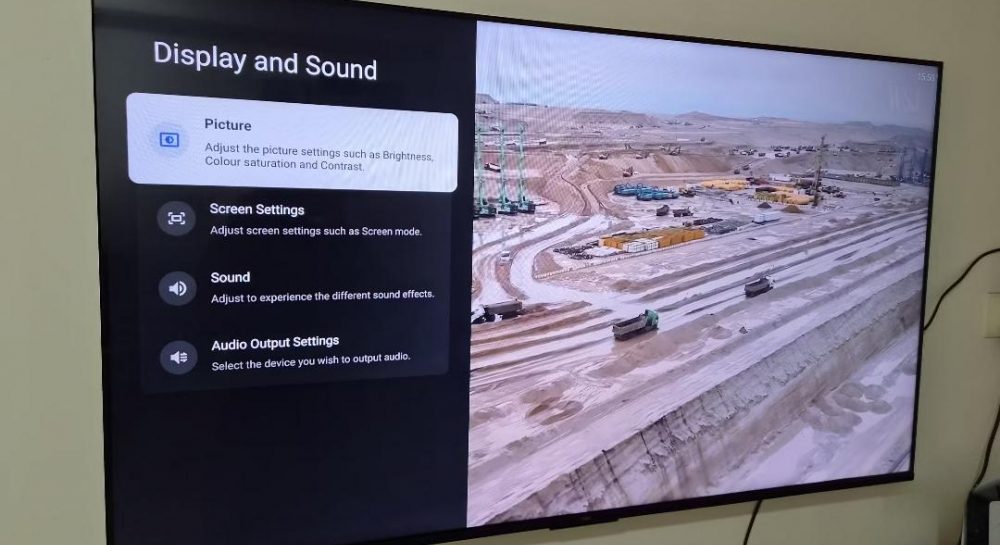
Many viewers mistakenly blame the internet for video lag, while the real issue lies within the display's frame rate settings.
 💼Economy
Photo: UNIAN
Key points
- Frame rate mismatches cause video judder in movies
- The issue can be fixed by changing device settings
- Filmmaker mode helps preserve original cinematic quality
Modern home entertainment technology offers impressive visual quality, yet many users frequently encounter irritating stuttering and micro-freezes while watching movies and series. Smart TV owners often incorrectly attribute these glitches to unstable Wi-Fi connections or streaming service errors, wasting time restarting their routers unnecessarily.
Technical causes of motion judder
According to industry experts, the root of the problem typically stems from a frame rate mismatch between the original media and the display hardware. The vast majority of films are shot at 24 frames per second, whereas modern displays operate at refresh rates of 60Hz or 120Hz. To adapt 24fps content to a 60Hz screen, televisions use pulldown algorithms that create an uneven rhythm, resulting in noticeable judder during panning shots.
Simple solutions for better playback
Users can easily eliminate this motion stutter by activating hidden options within their device's settings menu. Specifically, turning on the frame rate matching feature prevents the TV from artificially stretching video and automatically syncs the refresh rate with the source material. Additionally, experts recommend enabling special filmmaker modes to disable aggressive motion smoothing and preserve the director's original vision.
Source UNIAN — unian.ua/techno/gadgets/chomu-smikayetsya-zobrazhennya-na-televizor… ↗
Read next
 🩺Health
Tragedy in Dymer: Death toll from Russian shelling rises to eight
Rescue teams have recovered the body of the eighth victim from the rubble of a destroyed building in the Kyiv region.
 👥Society
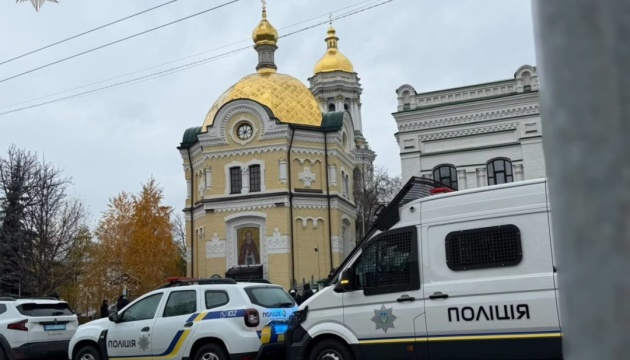
Clashes at Kyiv Pechersk Lavra: police investigation underway
A conflict broke out at the Kyiv Pechersk Lavra between groups of people over the religious affiliation of a building.
 🛡️Security
Evacuation initiatives: ISW explains the disparity between proposals for Kostiantynivka and Southern Ukraine
Institute for the Study of War analysts clarify why the Russian proposal for Kostiantynivka is unfeasible compared to Ukraine's initiative for the south.
 🛡️Security
Novoshakhtinsk Oil Refinery Attacked Again
The Novoshakhtinsk Oil Refinery in Russia's Rostov region was hit by another attack on the night of November 23.
 🏙️City
Special police operation launched in Kharkiv following a fatal shooting
On the evening of November 22, a shooting occurred in Kharkiv, resulting in the death of a man. Police have launched a special operation to identify the perpetrators.
 🛡️Security
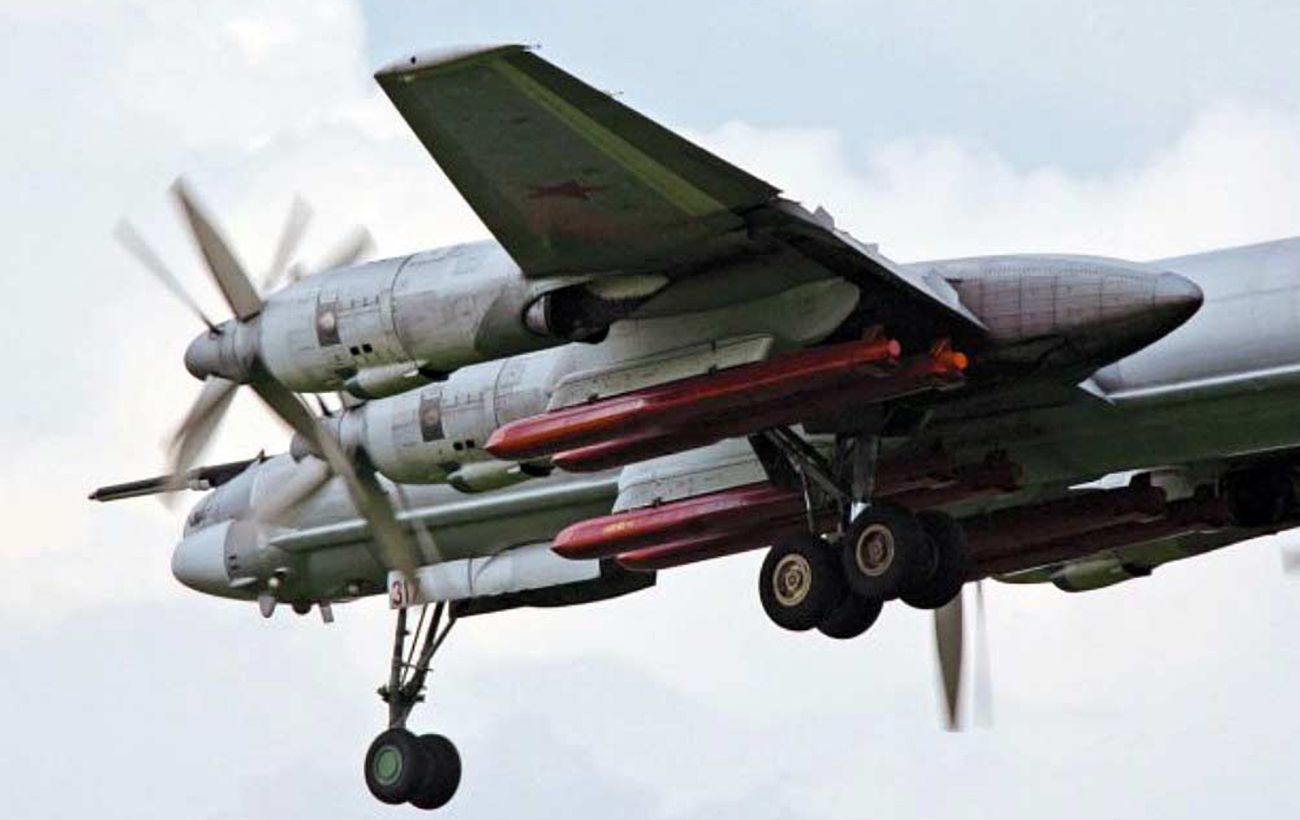
Fragments of recent Russian missiles found in Poland
Debris from Russian Kh-101 cruise missiles, manufactured in late 2026, has been discovered in eastern Poland, prompting a response from NATO.