Digital Hygiene: How Podilsk Residents Can Free Up Smartphone Storage from WhatsApp Media
A guide on configuring WhatsApp to prevent automatic saving of photos and videos, helping to preserve space on smartphones with limited storage.
 🎓Education
Photo: UNIAN
Key points
- Disabling media auto-download on Android saves up to 10 GB of space.
- iPhone users can prevent chat photos from duplicating into the main gallery.
- The built-in 'Manage Storage' tool identifies heavy and frequently forwarded files for easy removal.
In today's digital world, residents of Podilsk are increasingly facing the issue of their smartphone storage filling up rapidly. One of the primary "culprits" consuming free space is the popular messenger WhatsApp. Due to its operational design, the application automatically saves all incoming photos, videos, and documents directly to the device's internal memory. This poses a significant challenge for owners of gadgets with 64GB or 128GB of storage, as free space can vanish within just a few months of active participation in group and private chats.
According to estimates by Linternaute, media files accumulating in the messenger occupy between 2 and 10 GB on average. For the average user, this means not only the inability to take a new photo at a crucial moment but also a general slowdown of the operating system. However, there are simple ways to take control of the situation by changing just a few parameters in the application's settings, allowing you to organize your storage without deleting important memories.
How to Stop Auto-Downloads on Android
For Android smartphone users, the most effective method to combat storage clutter is to completely disable the automatic downloading of incoming media files. This allows the user to decide which images are worth keeping in the phone's gallery. To activate this feature, follow these steps:
- Open WhatsApp and go to "Settings."
- Select "Storage and Data."
- Find the "Media auto-download" section.
- Disable downloading via mobile data, Wi-Fi, and roaming for all content types.
Once these settings are applied, all new photos and videos will appear in chats as blurred previews. Downloading will only occur after tapping a specific file, significantly saving both space and mobile data.
Optimization for iPhone Owners
Apple device users face a slightly different issue: the app often duplicates every received photo directly into the iPhone's general photo gallery, creating chaos among personal shots. WhatsApp provides a specific option to keep media files exclusively within the messenger itself. To do this, go to the "Chats" section in the app settings and disable the "Save to Camera Roll" toggle.
"Media files will remain accessible in your conversations but will stop automatically cluttering your iPhone's main storage," explain cyber-hygiene experts.
If the smartphone's memory is already full, WhatsApp offers a built-in tool for a quick cleanup. In the "Settings" — "Storage and Data" — "Manage Storage" menu, you can see a detailed analysis of how much space files from different chats occupy. The app automatically sorts the heaviest videos and images and highlights content that has been forwarded many times. This allows you to remove unnecessary "digital junk" in minutes, freeing up space for truly important things. Additionally, developers remind users of new security features, such as protecting sensitive chats with passwords, and advise not to ignore the key icon that may appear on Android devices.
Source UNIAN — unian.ua/techno/communications/yak-zvilniti-do-10-gb-na-smartfoni-p… ↗
Read next
 🧠AI Analysis
Belgian airspace to face total shutdown amid air traffic controllers' strike
On November 23, Belgium will suspend all flights due to a nationwide protest against austerity measures involving air traffic controllers.
 🛡️Security
Russian vessel Sparta II, hit by Ukrainian drones, continues to burn in the Gulf of Finland
Rescue operations are ongoing in Finnish territorial waters to extinguish a fire on the Russian cargo ship Sparta II following a Ukrainian drone attack.
 🧠AI Analysis
Behind the Scenes of European Tours: How Ukrainian Theaters Navigate Challenges Abroad
The European tours of Ukrainian theatrical performances have evolved into complex logistical operations and vital social bridges for expatriates. Producer Serhii Chudaiev…
 🚨Events
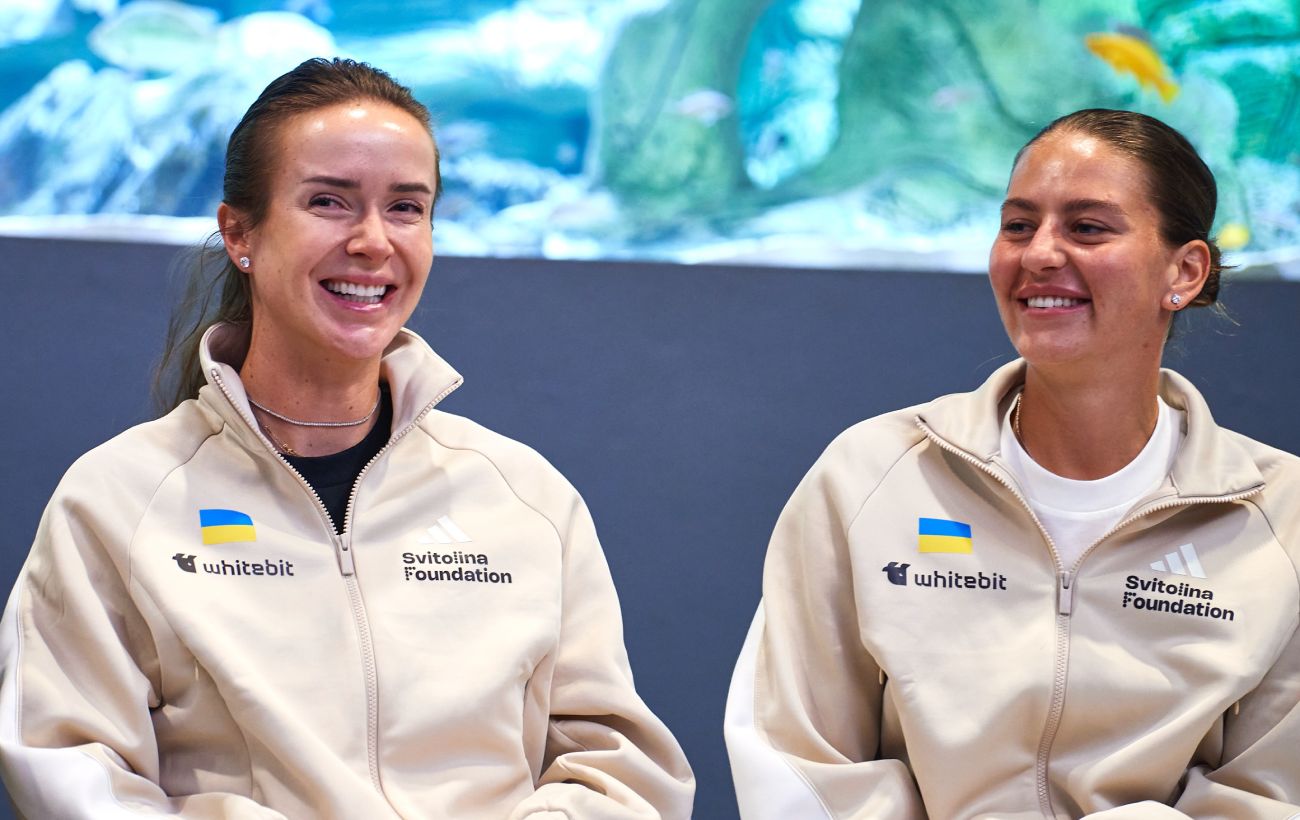
Elina Svitolina and Marta Kostyuk Nominated for Prestigious WTA Awards Following Season Success
Top Ukrainian tennis players Elina Svitolina and Marta Kostyuk have been shortlisted for the Women's Tennis Association annual awards.
 🛡️Security
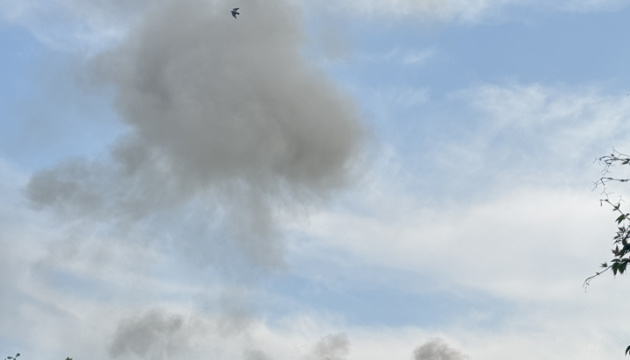
Russian forces strike Zhytomyr region energy infrastructure four times in a day
Over the past 24 hours, Russian forces carried out four drone strikes against energy facilities in the Zhytomyr region, attempting to cut off electricity and heating.
 🏛️Politics
Slovakia Refuses to Participate in New €45 Billion EU Loan for Ukraine
Slovak Prime Minister Robert Fico announced that his country will not take part in the EU's new €45 billion loan to Ukraine, arguing that such support prolongs the confli…